Big Crown: Showdown EU Steam CD Key

0.76

19 in stock

19 in stock

Instant deliveryKey emailed in seconds
Official keySourced from authorised partners
Refund guaranteeInvalid code? Money back
How refunds work
18 People watching this product now!

Payment Methods:

Description

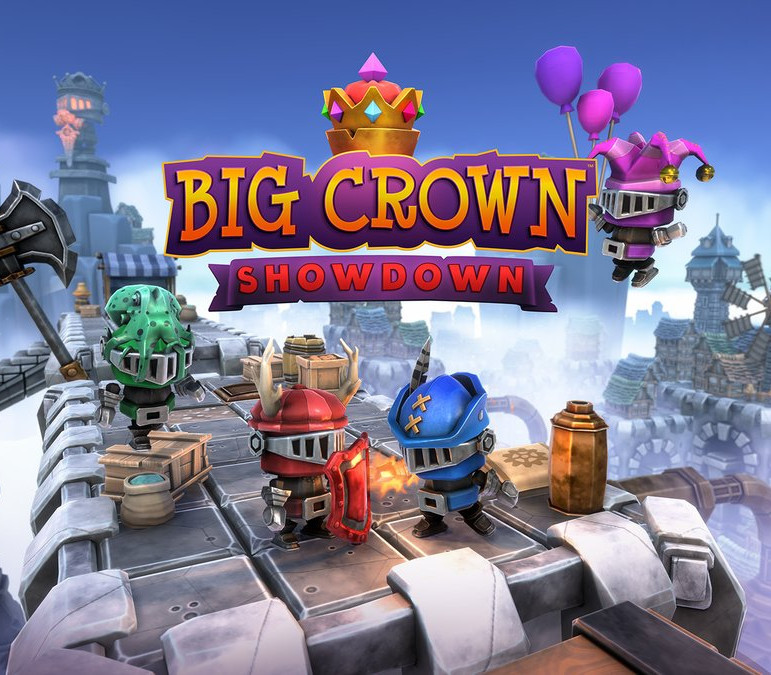
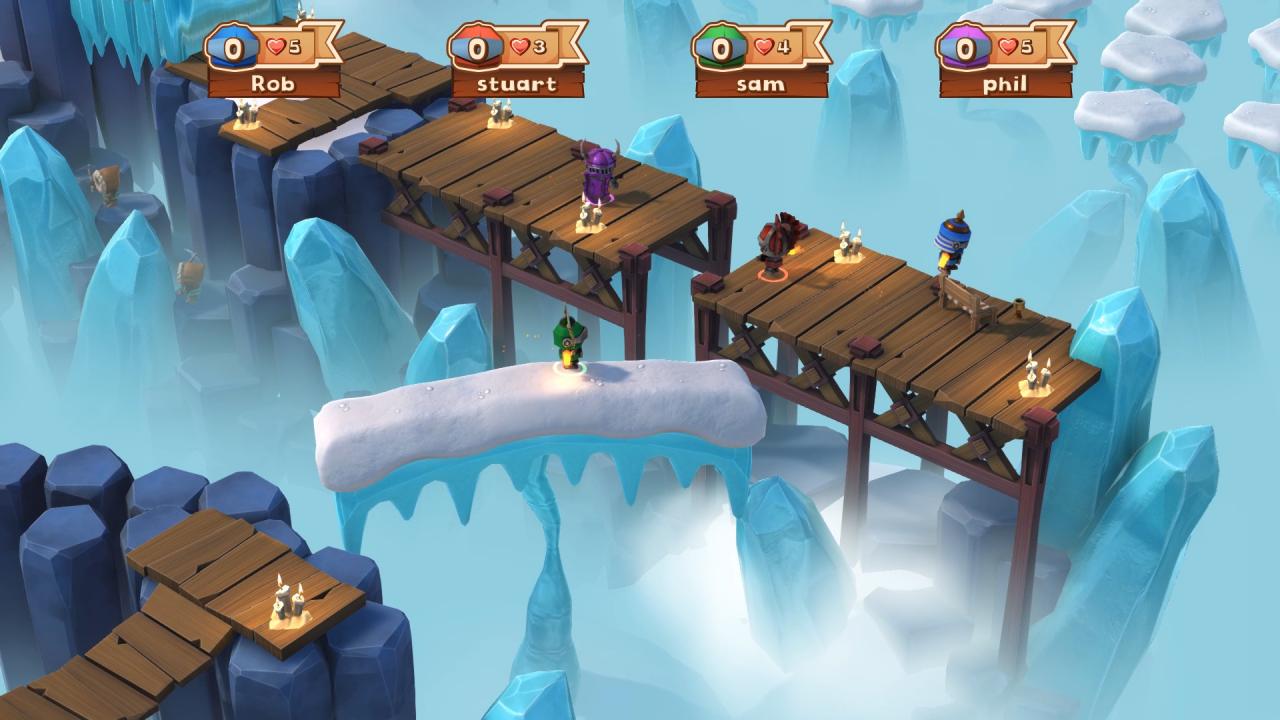
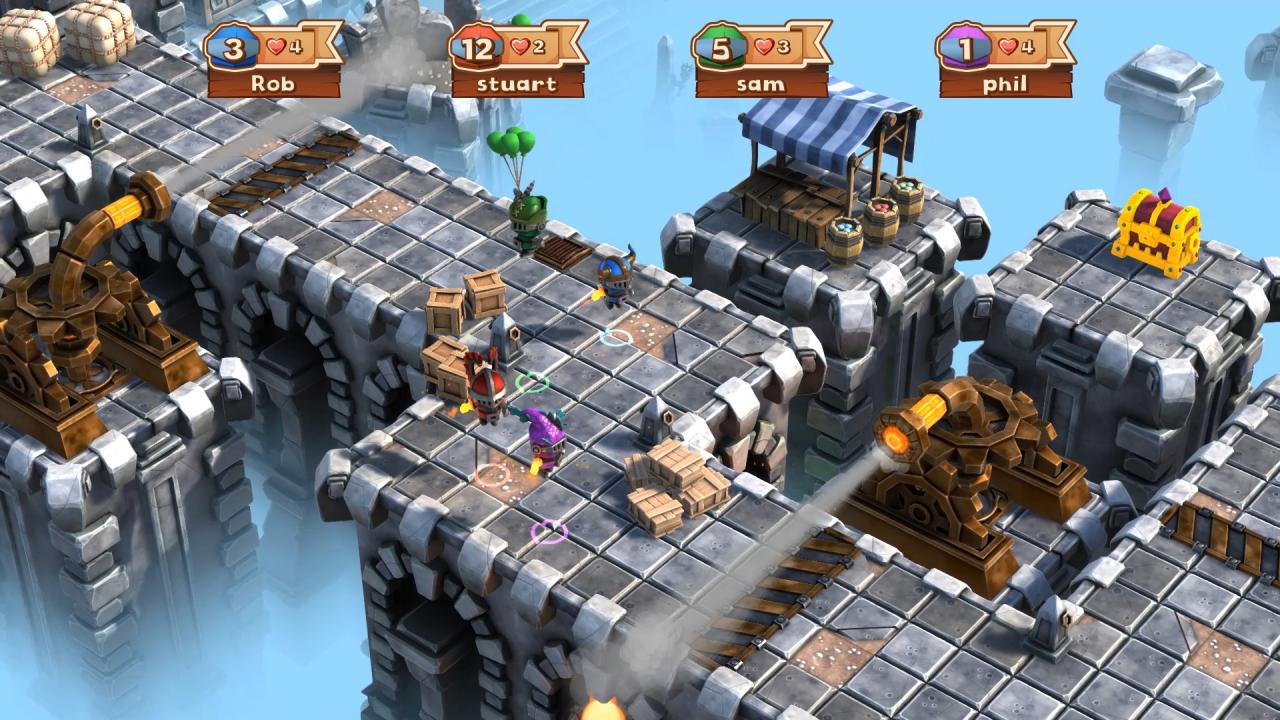
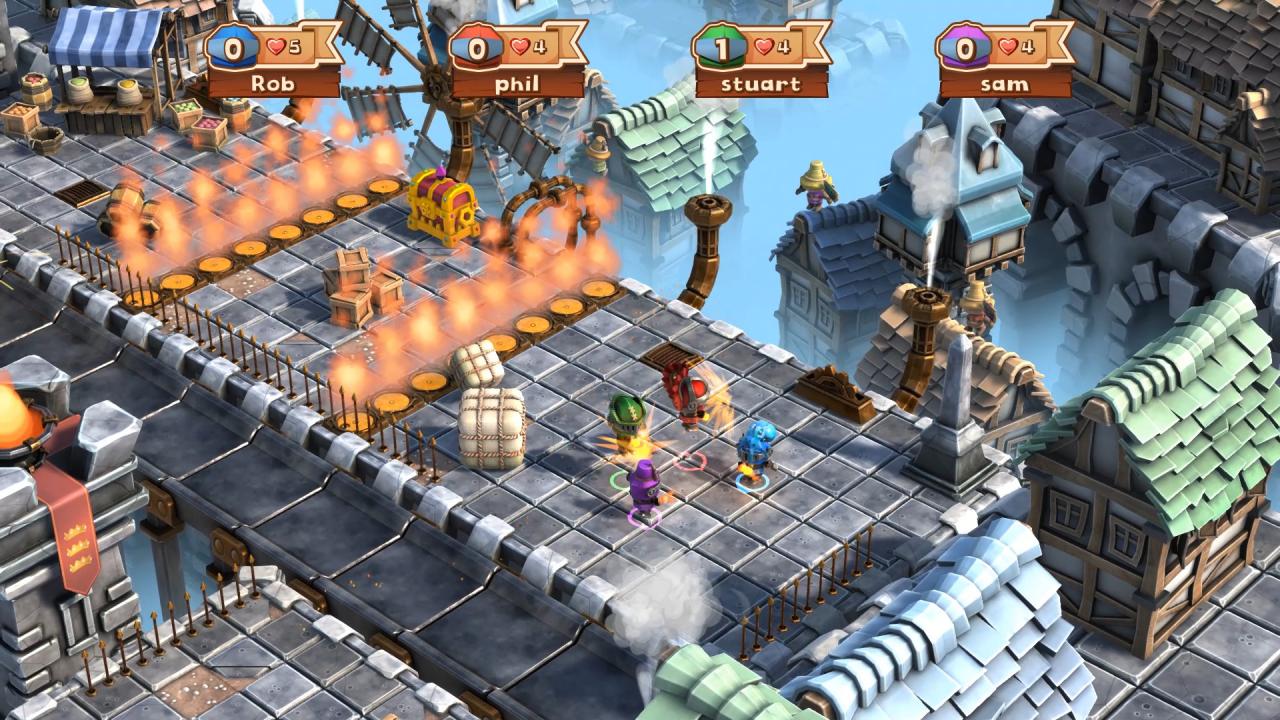
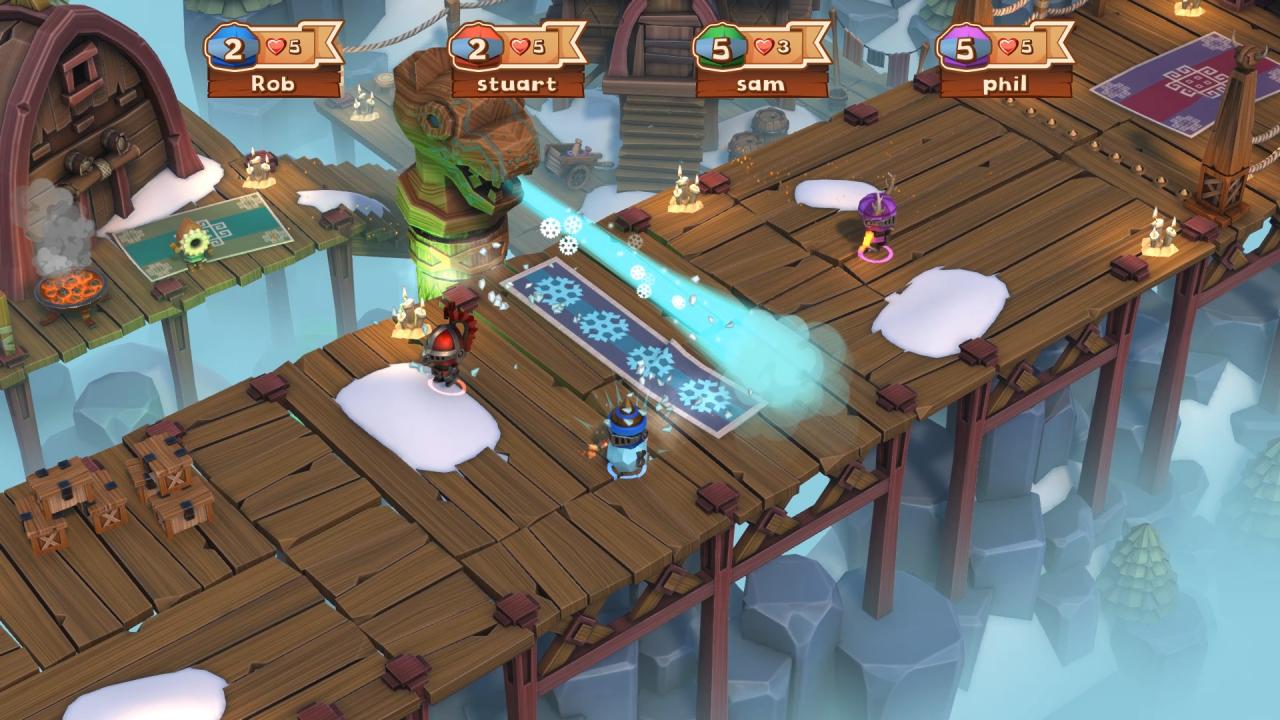
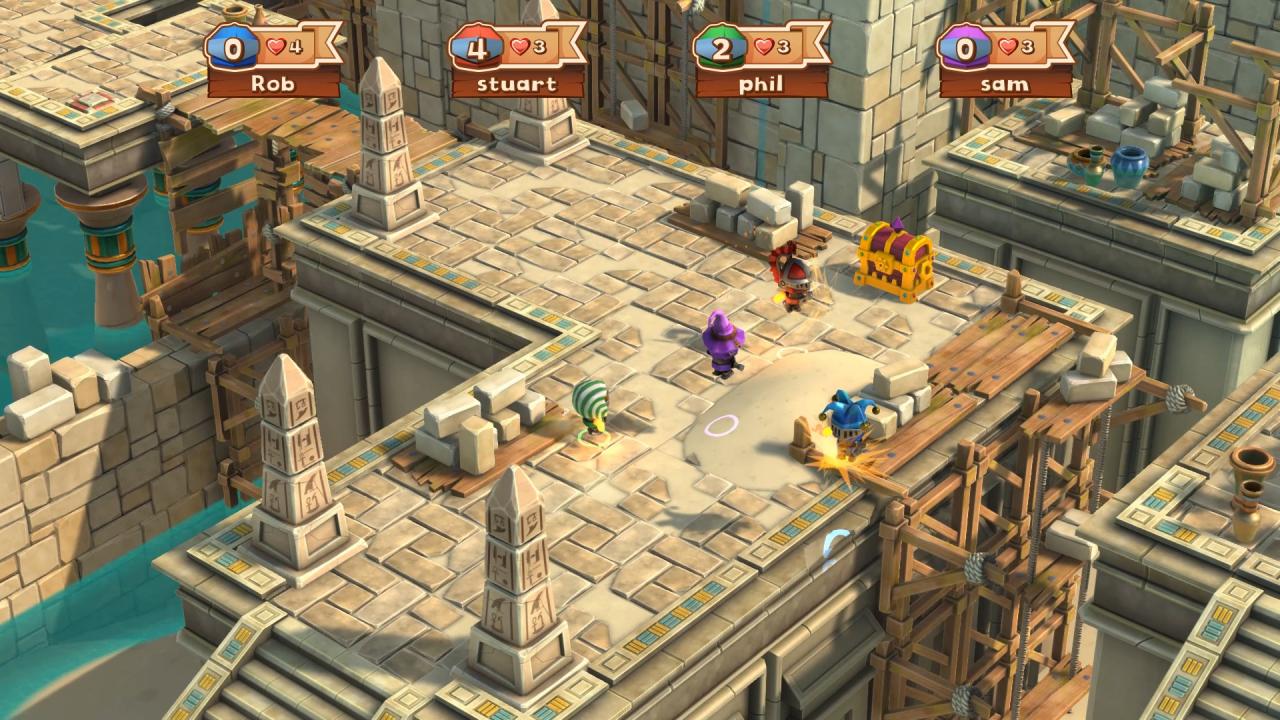
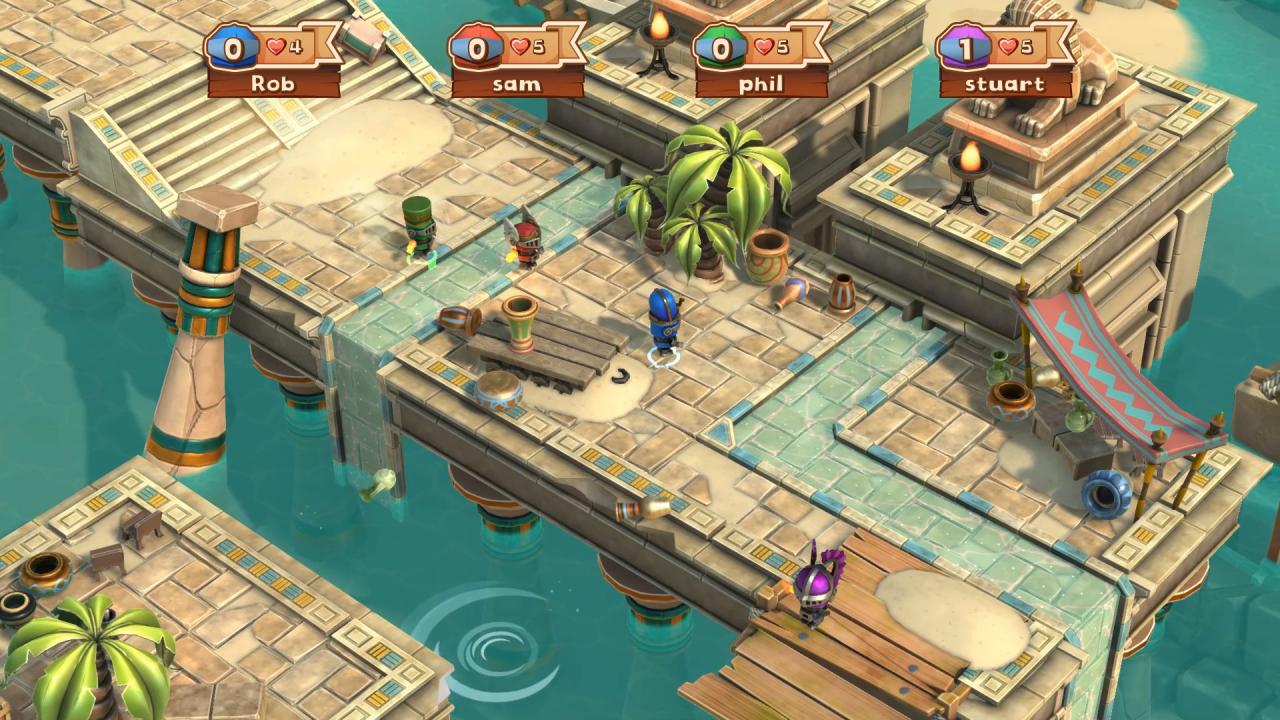
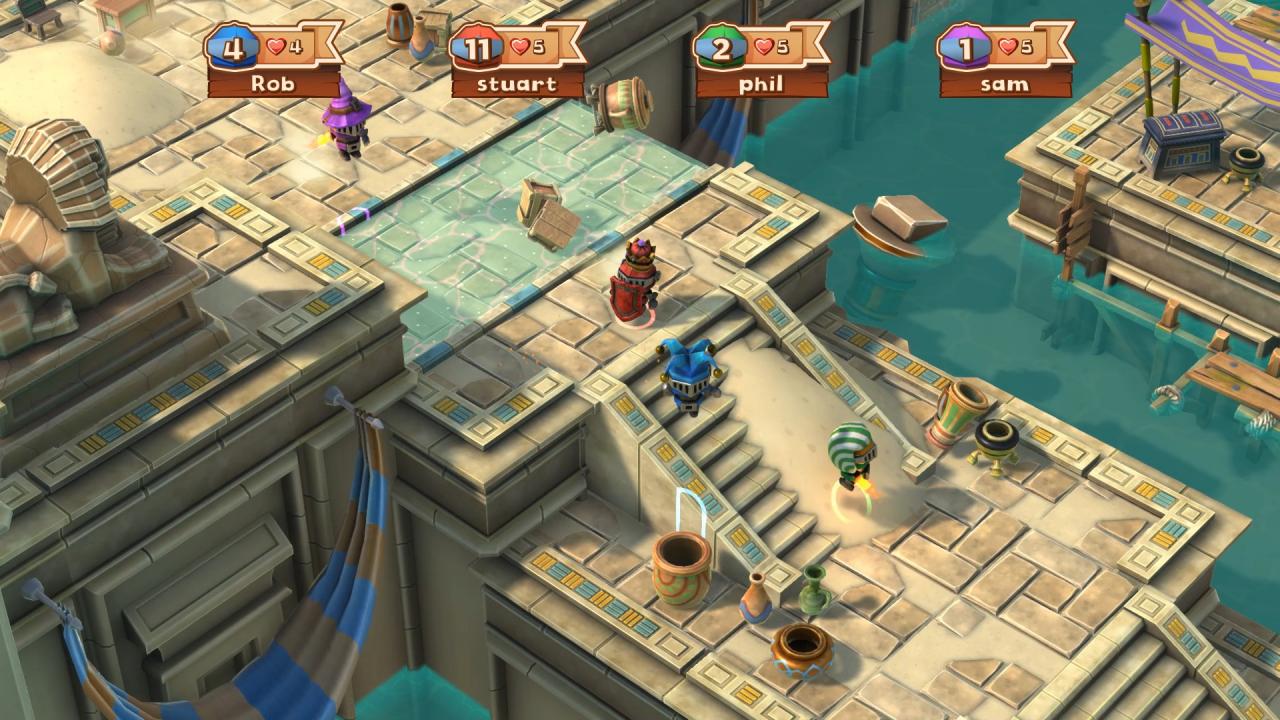
Big Crown: Showdown sees friends become foes as they compete for the crown in 4-player local and online multiplayer combat, set over 3 wacky worlds full of medieval shenanigans. Avoid perilous hazards and engage in frantic fights as you attempt to knock your opponents off 15 crazy courses in the ultimate royal battle! Features Pick Up and Play Combat: Big Crown Showdown is an accessible and enjoyable experience for players of all ages and skill levels. The one-button combat provides a true ‘pick up and play’ experience whilst still containing enough depth for players to come back for more! Non-Stop Camera: Big Crown Showdown uses a unique camera system that moves along the track in a constant motion, forcing players to keep moving forward into new challenges. There’s no time to rest when the camera keeps the action going! Classic Platforming: It’s not all about combat in Big Crown Showdown. The game blends chaotic combat with sections of tricky platforming, challenging players to move fast and react quickly. Every track has a number of deadly obstacles for players to avoid!

Additional information
Developers

Hyper Luminal Games

Publishers

Sold Out

Genres

Action

,

Casual

Platform

Steam

Languages

Chinese

,

English

,

French

,

German

,

Italian

,

Portuguese – Brazil

,

Russian

,

Spanish

,

Turkish

Release date 2018-12-14
Steam Yes
Age rating PEGI 3
Regional limitations 1
System requirements
Windows
Requires a 64-bit processor and operating system OS: Windows Vista SP1+ Processor: SSE2 instruction set support Memory: 8 GB RAM Graphics: Graphics card with DX10 (shader model 4.0) capabilities. DirectX: Version 10 Network: Broadband Internet connection Storage: 5 GB available space
Activation details
Go to: http://store.steampowered.com/ and download STEAM client Click "Install Steam" (from the upper right corner) Install and start application, login with your Account name and Password (create one if you don't have). Please follow these instructions to activate a new retail purchase on Steam: Launch Steam and log into your Steam account. Click the Games Menu. Choose Activate a Product on Steam... Follow the onscreen instructions to complete the process. After successful code verification go to the "MY GAMES" tab and start downloading.