Euro Truck Simulator 2 – Wheel Tuning Pack DLC EU PC Steam CD Key

23.71

Out of stock

Out of stock

Instant deliveryKey emailed in seconds
Official keySourced from authorised partners
Refund guaranteeInvalid code? Money back
How refunds work
17 People watching this product now!

Payment Methods:

Description

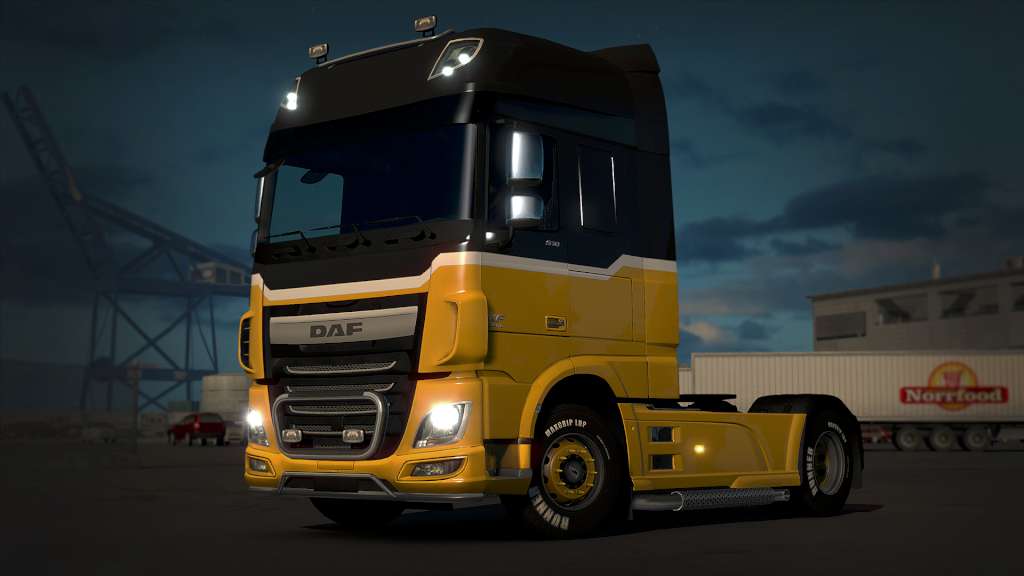
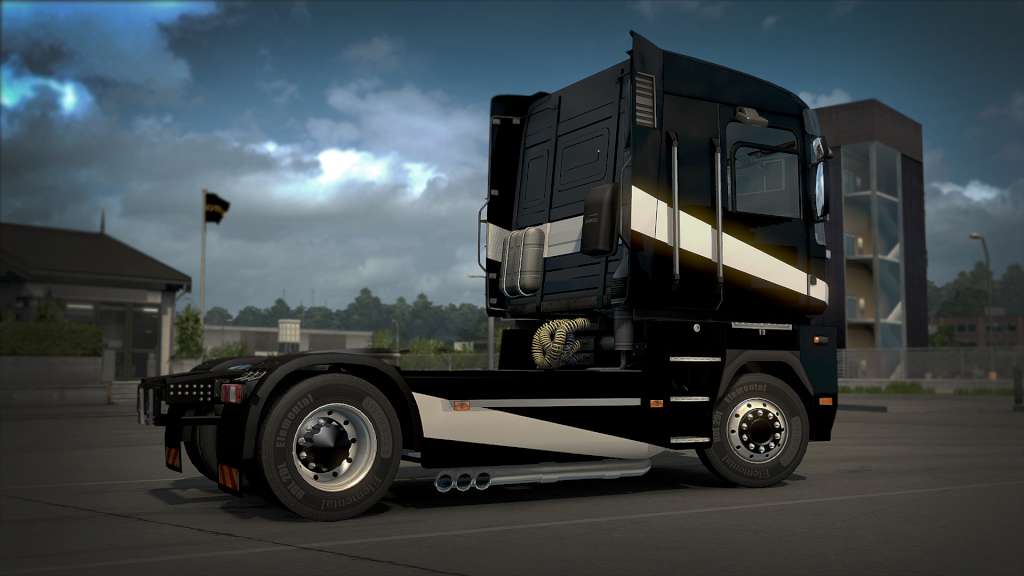
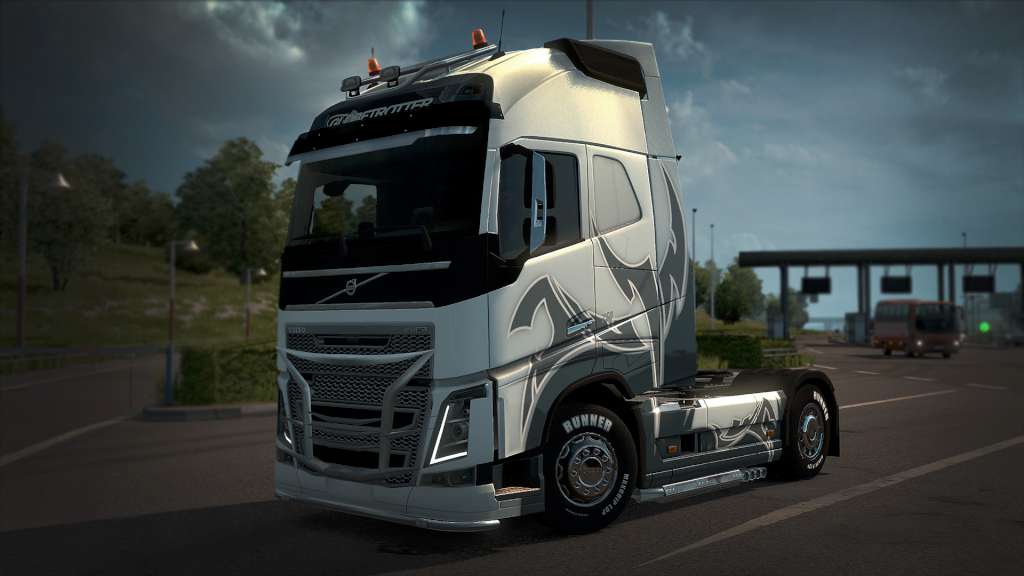
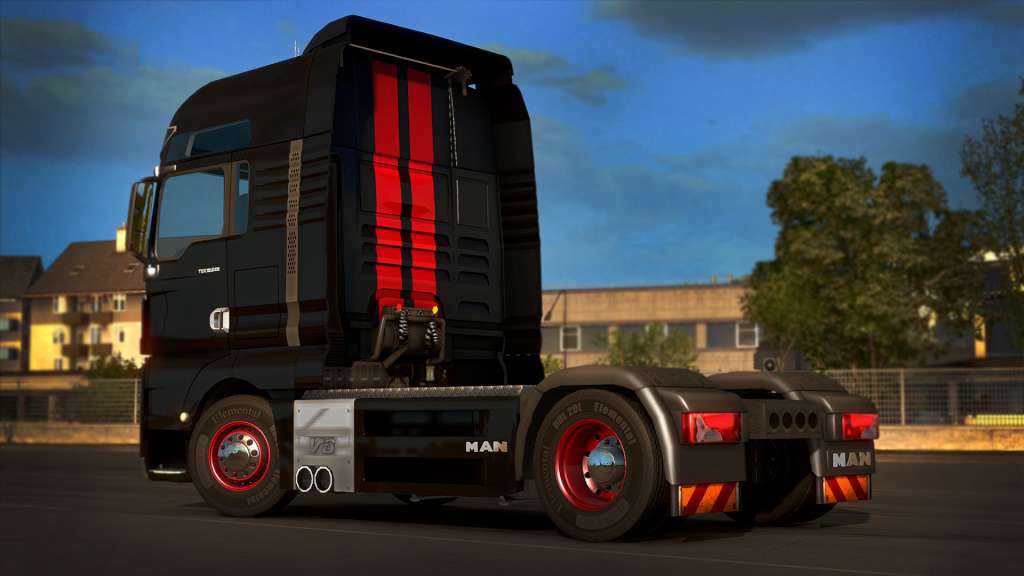
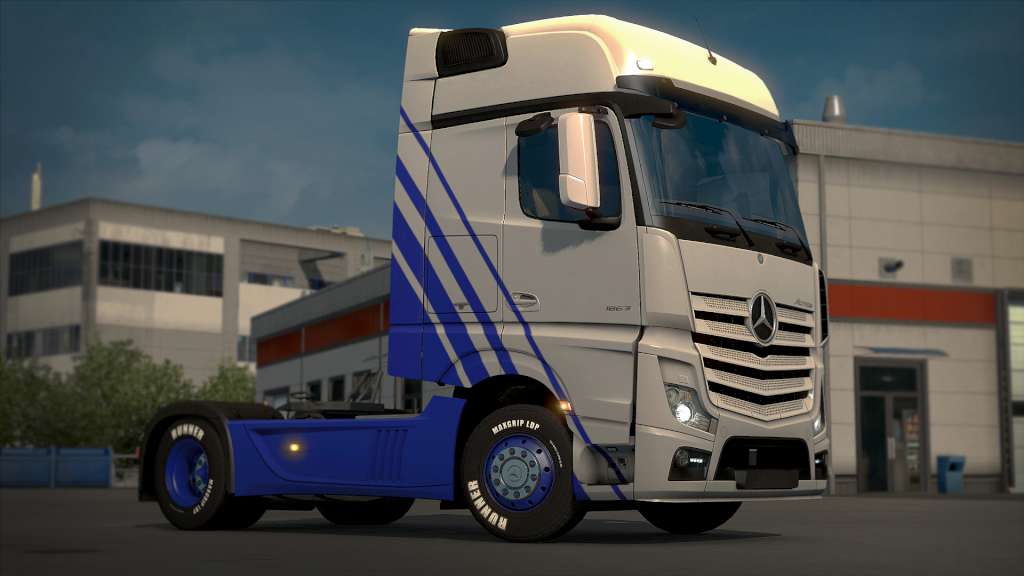
Ultimate wheel customization is here! Paint and customize your nuts, discs, hubs and hub covers exactly as you want. Wheel Tuning Pack includes these customizable wheel parts: 7 front covers 10 rear covers 15 front discs 5 rear discs 6 front hubs 2 rear hubs 6 front nuts 6 rear nuts

Additional information
Developers

SCS Software

Publishers

SCS Software

Genres

Indie

,

Simulation

Platform

Steam

Languages

Bulgarian

,

Chinese

,

Czech

,

Danish

,

Dutch

,

English

,

Finnish

,

French

,

German

,

Greek

,

Hungarian

,

Italian

,

Japanese

,

Korean

,

Norwegian

,

Polish

,

Portuguese

,

Portuguese – Brazil

,

Romanian

,

Russian

,

Spanish

,

Swedish

,

Turkish

Release date 2016-04-13
Steam Yes
Age rating PEGI 3
Metacritic score 79
Regional limitations 1
System requirements
Windows
OS: Windows 7 Processor: Dual core CPU 2.4 GHz Memory: 4 GB RAM Graphics: GeForce GTS 450-class (Intel HD 4000) Hard Drive: 3 GB available space
Mac
OS: Mac OS X 10.9 (Mavericks) Processor: Dual core CPU 2.4 GHz Memory: 4 GB RAM Graphics: GeForce GTS 450-class (Intel HD 4000) Hard Drive: 3 GB available space
Linux
OS: Linux Ubuntu 12.04 Processor: Dual core CPU 2.4 GHz Memory: 4 GB RAM Graphics: GeForce GTS 450-class (Intel HD 4000) Hard Drive: 3 GB available space Additional Notes: recent binary ATI or NVidia drivers (MESA may not work reliably)
Activation details
Go to: http://store.steampowered.com/ and download STEAM client Click "Install Steam" (from the upper right corner) Install and start application, login with your Account name and Password (create one if you don't have). Please follow these instructions to activate a new retail purchase on Steam: Launch Steam and log into your Steam account. Click the Games Menu. Choose Activate a Product on Steam... Follow the onscreen instructions to complete the process. After successful code verification go to the "MY GAMES" tab and start downloading.