Orbital Racer EU Steam CD Key

0.26

299 in stock

299 in stock

Instant deliveryKey emailed in seconds
Official keySourced from authorised partners
Refund guaranteeInvalid code? Money back
How refunds work
12 People watching this product now!

Payment Methods:

Description

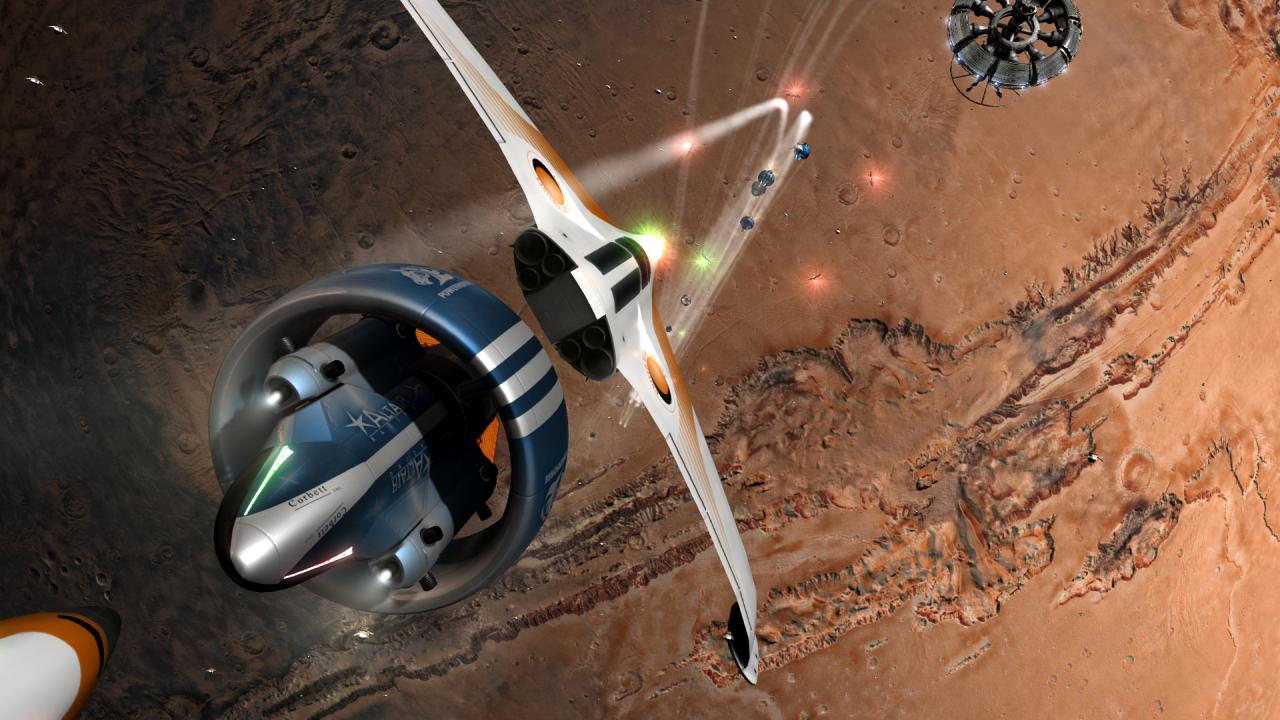
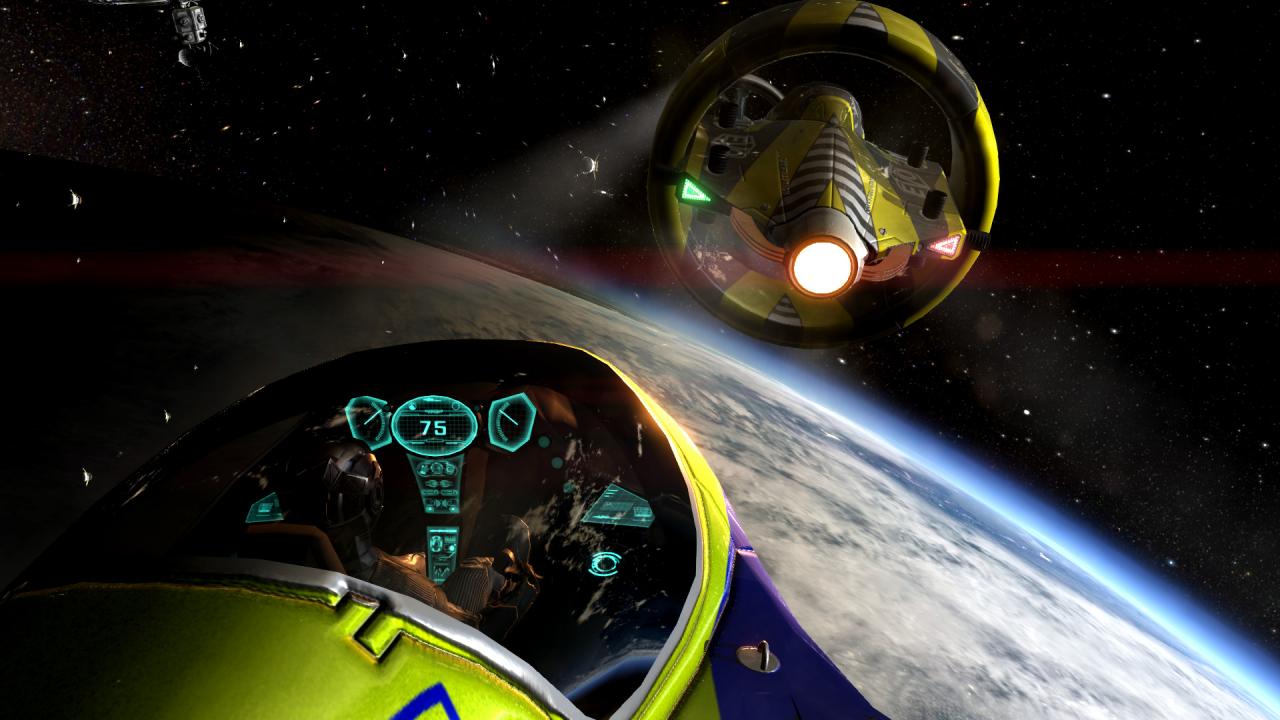
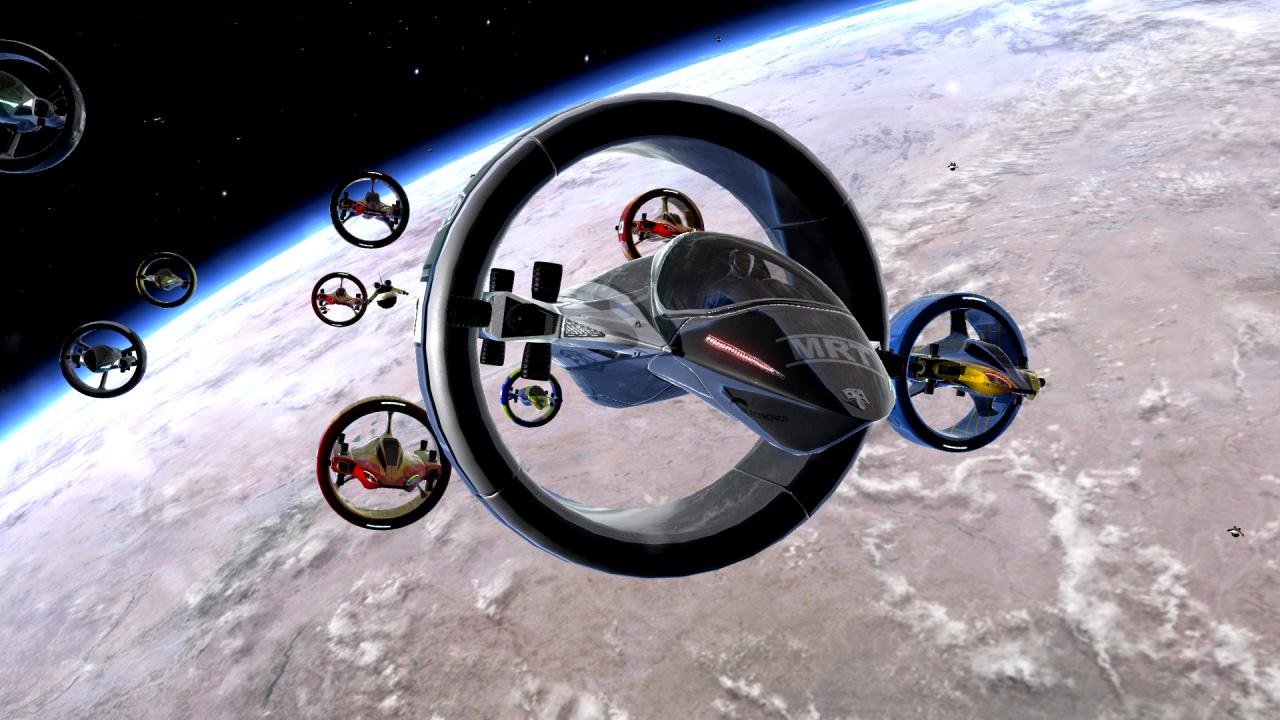
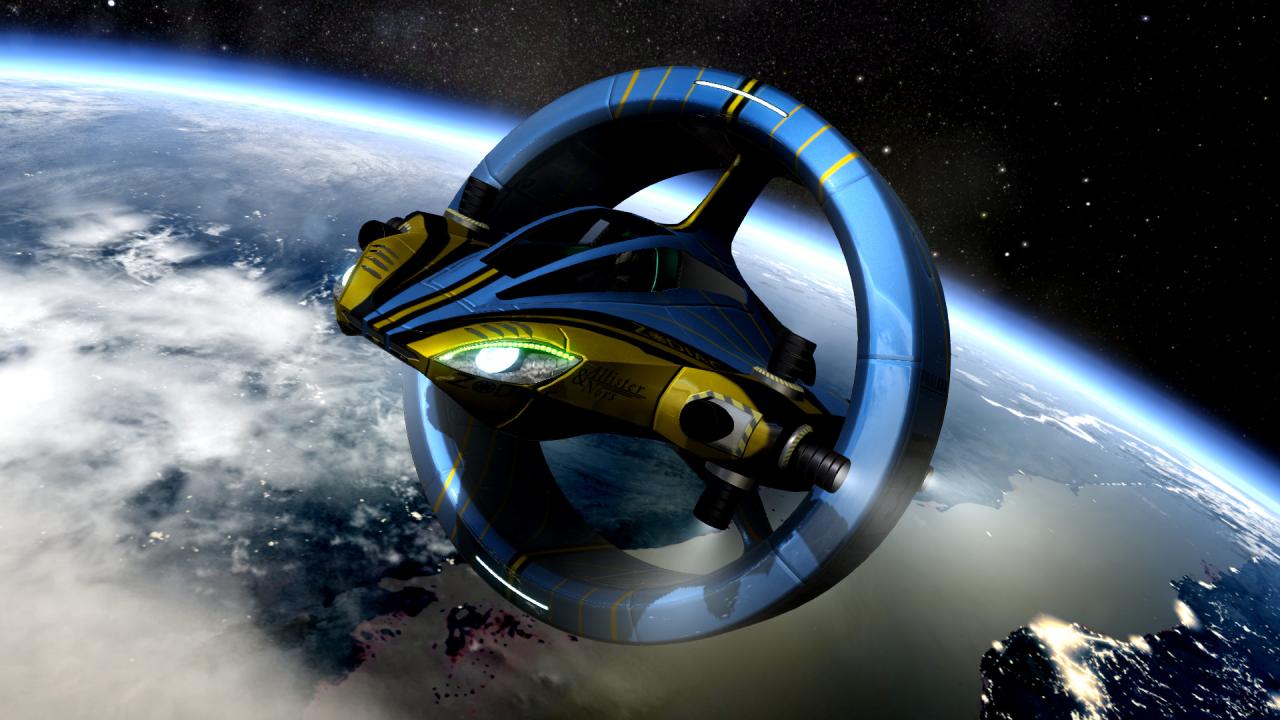
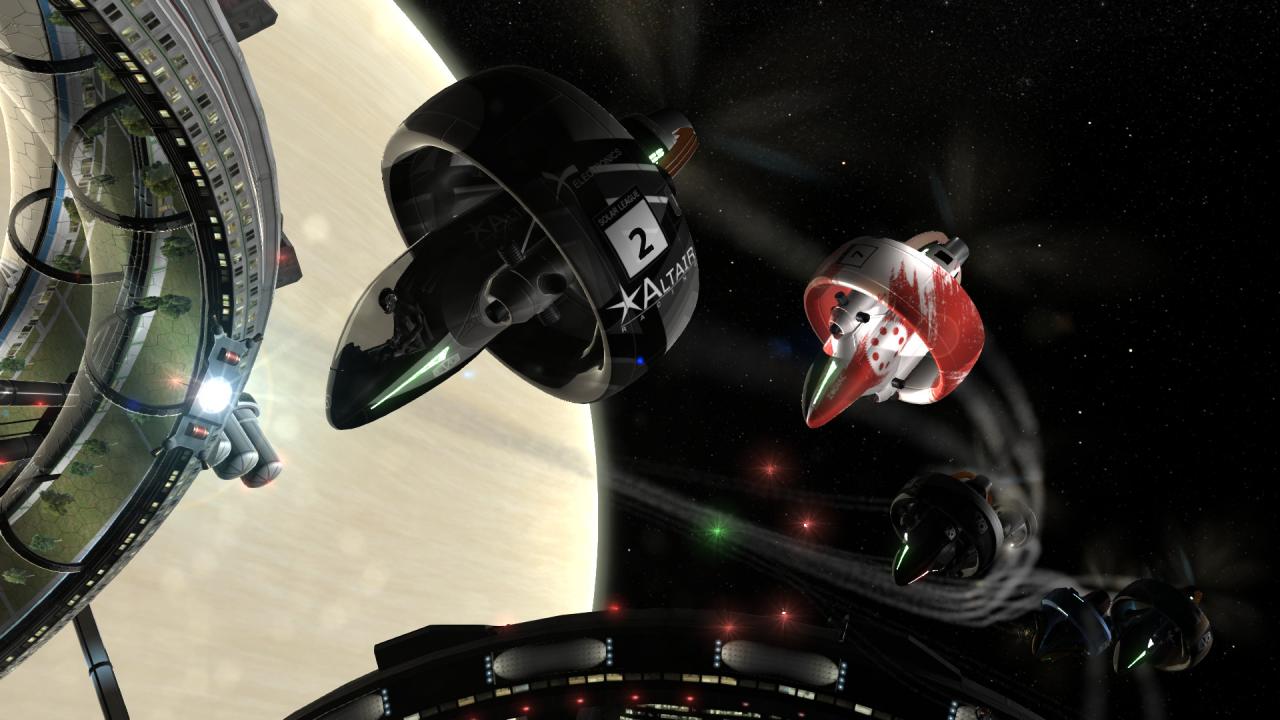
In space no one can hear you drift…Orbital Racer is a single-player racing simulator set in space. It combines the freedom of movement of 6DOF space simulators with the thrills of racing. The game offers two distinct game modes: Action : this mode is all about fast, satisfying gameplay. Just jump into the cockpit and use your speed and available powerups, including explosive missiles and mines to beat your opponents. Simulation : this mode puts much more emphasis on realism. All ships behave according to Newtonian laws of physics with plausible thruster forces. This makes flying much more challenging but also uniquely satisfying as you’ll be sliding sideways at the limits of controls most of the time. Features fully customizable controls 8 distinct locations, all based on real places in our Solar System a total of 24 tracks a full, playable flight school for Simulation mode. 3 different ship models, each with additional 3 variants a challenging yet flexible AI custimizable races a compelling career mode

Additional information
Developers

Console Labs S.A.

Publishers

PlayWay

Genres

Indie

,

Racing

,

Simulation

Platform

Steam

Languages

English

,

French

,

German

,

Polish

,

Russian

,

Spanish

Release date 2017-12-14
Steam Yes
Age rating ESRB E10+
Regional limitations 1
System requirements
Windows
OS: Windows 7/8/10 Processor: Intel i5 - 4210H (4x 2.9 GHz) or AMD Phenom II X4 980 (4x 3.7 GHz) Memory: 4 GB RAM Graphics: GeForce GTX 960M (4GB) or Radeon R9 M375X (4GB) Storage: 8 GB available space
Activation details
Go to: http://store.steampowered.com/ and download STEAM client Click "Install Steam" (from the upper right corner) Install and start application, login with your Account name and Password (create one if you don't have). Please follow these instructions to activate a new retail purchase on Steam: Launch Steam and log into your Steam account. Click the Games Menu. Choose Activate a Product on Steam... Follow the onscreen instructions to complete the process. After successful code verification go to the "MY GAMES" tab and start downloading.