shapez – Puzzle DLC EU PC Steam CD Key

0.17

391 in stock

391 in stock

Instant deliveryKey emailed in seconds
Official keySourced from authorised partners
Refund guaranteeInvalid code? Money back
How refunds work
10 People watching this product now!

Payment Methods:

Description

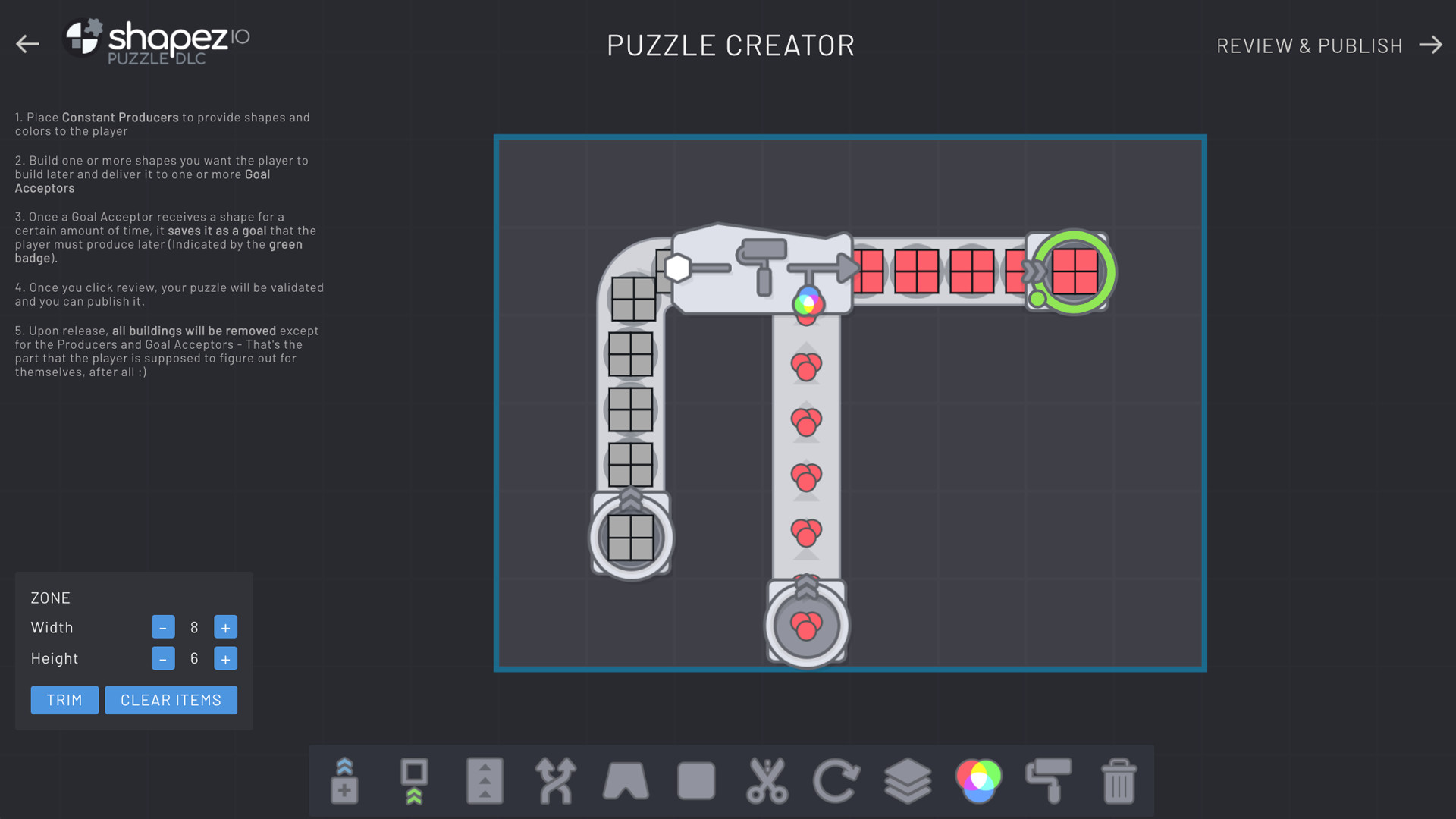
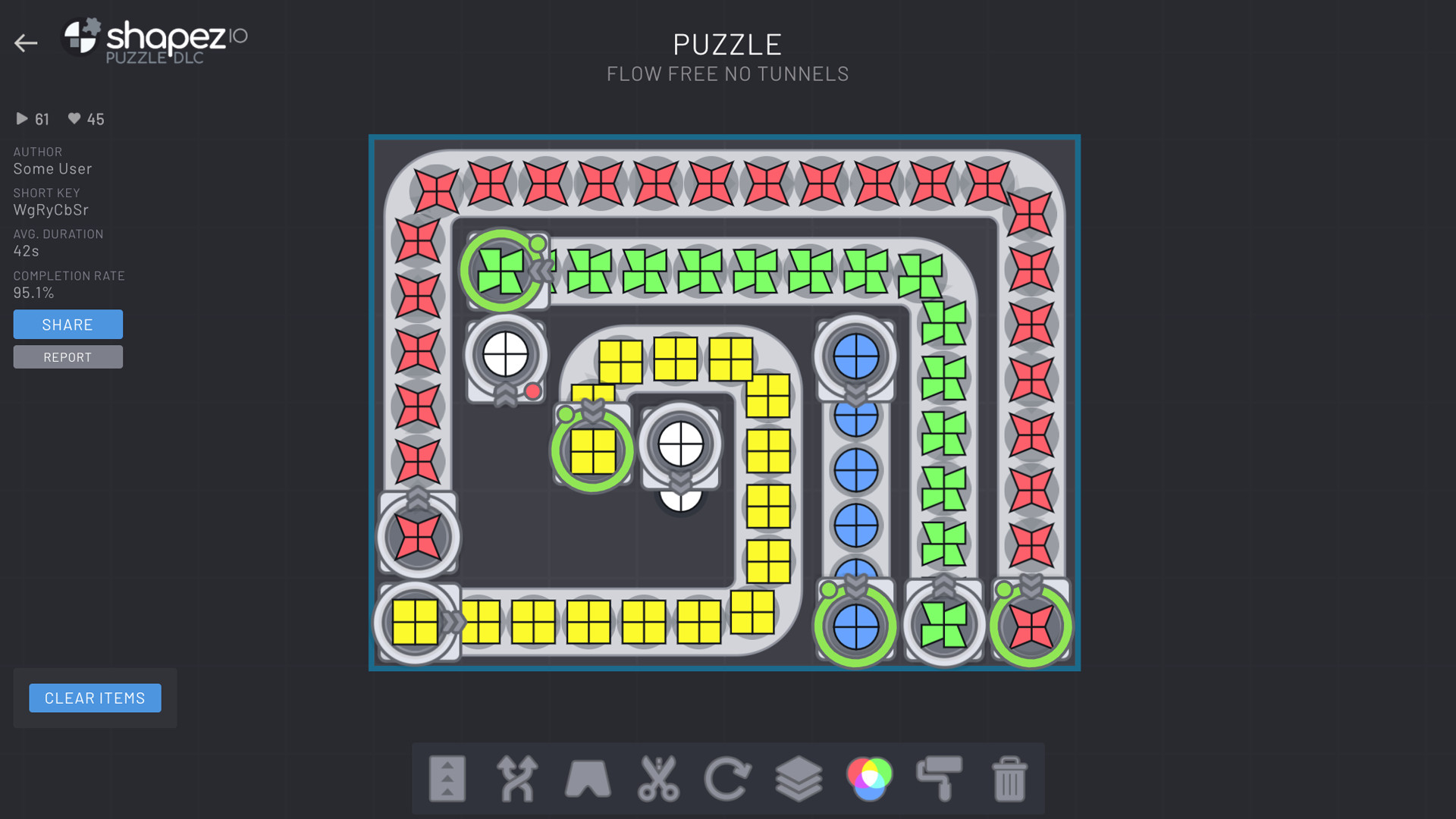
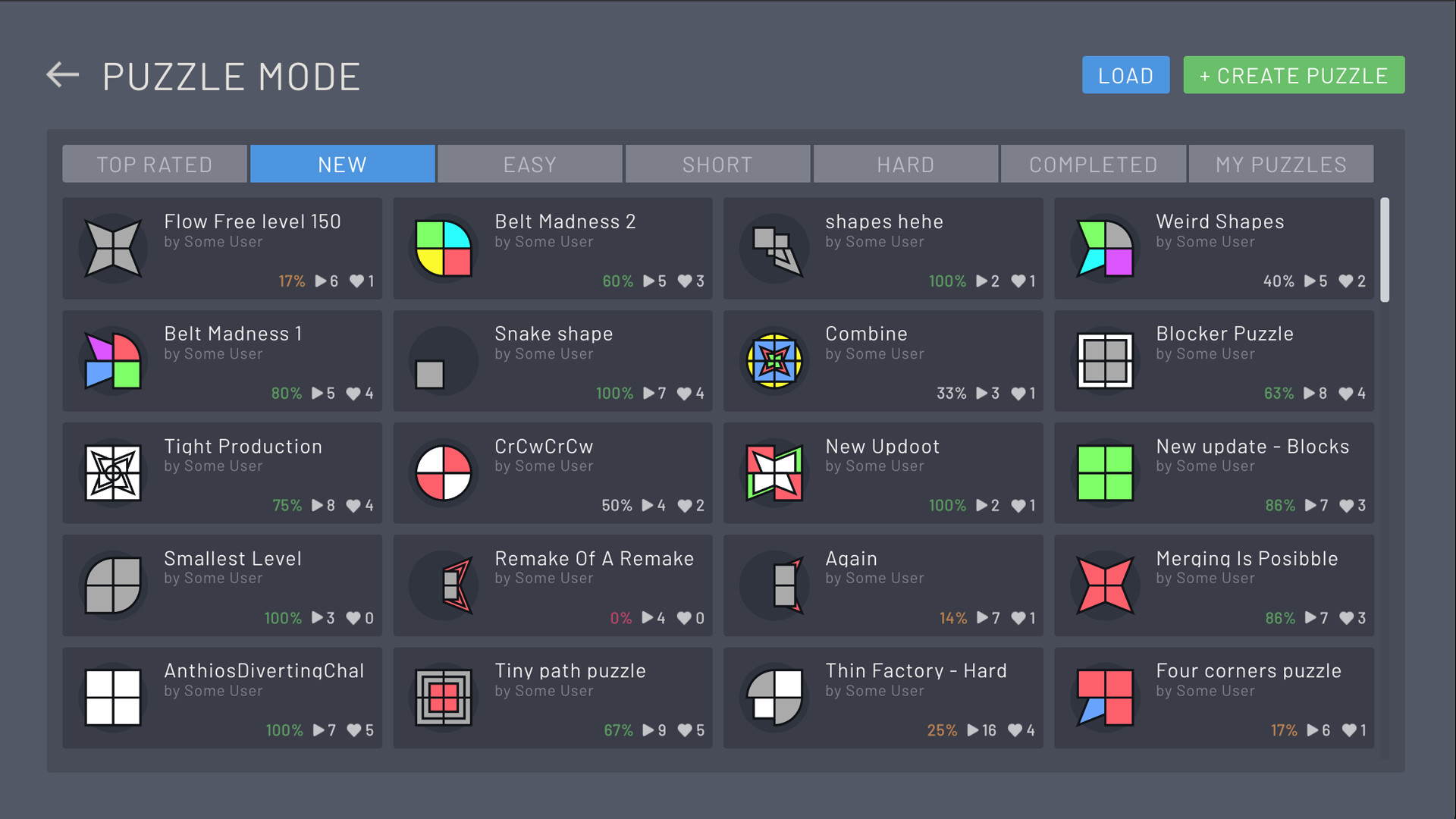
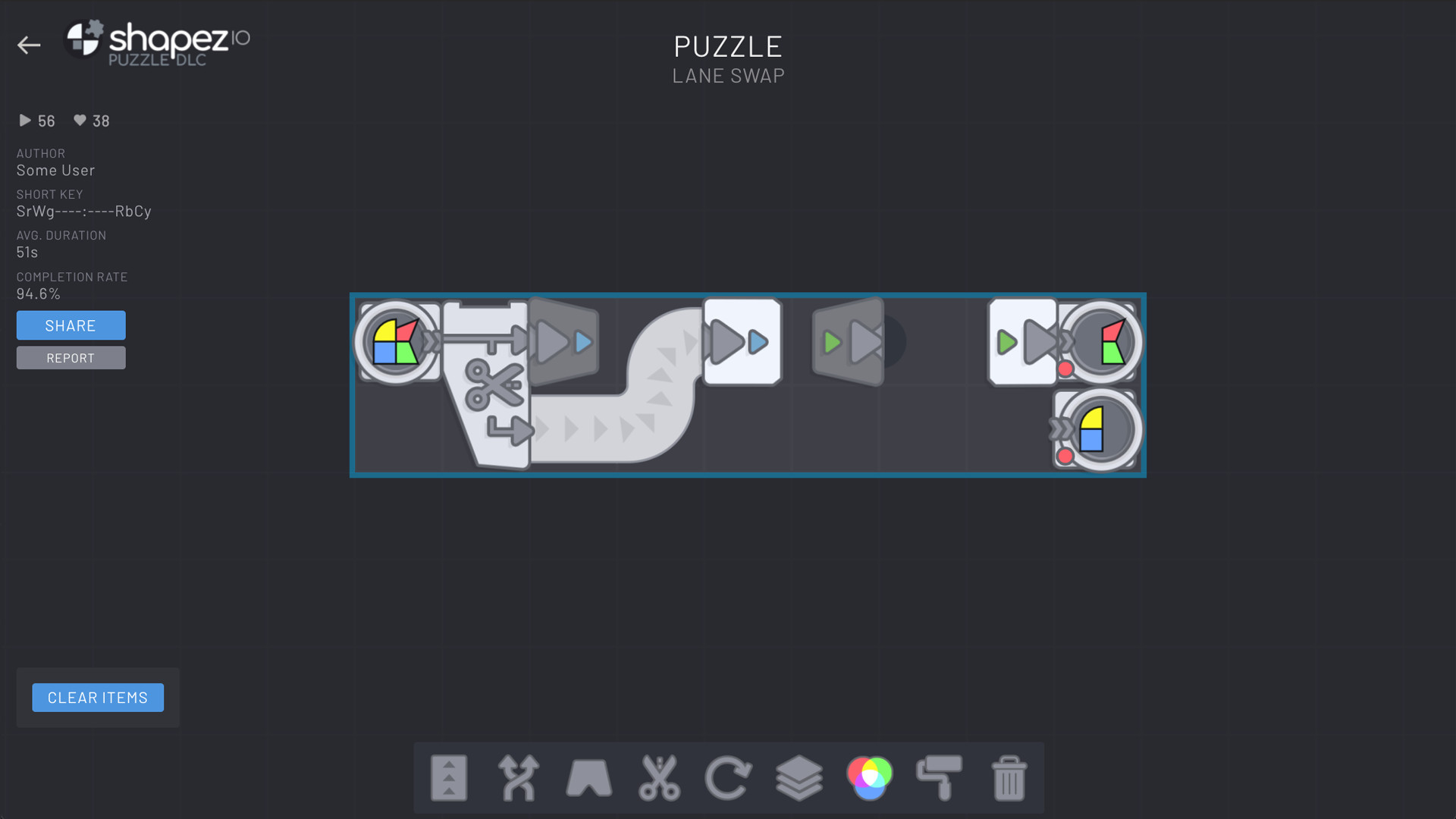
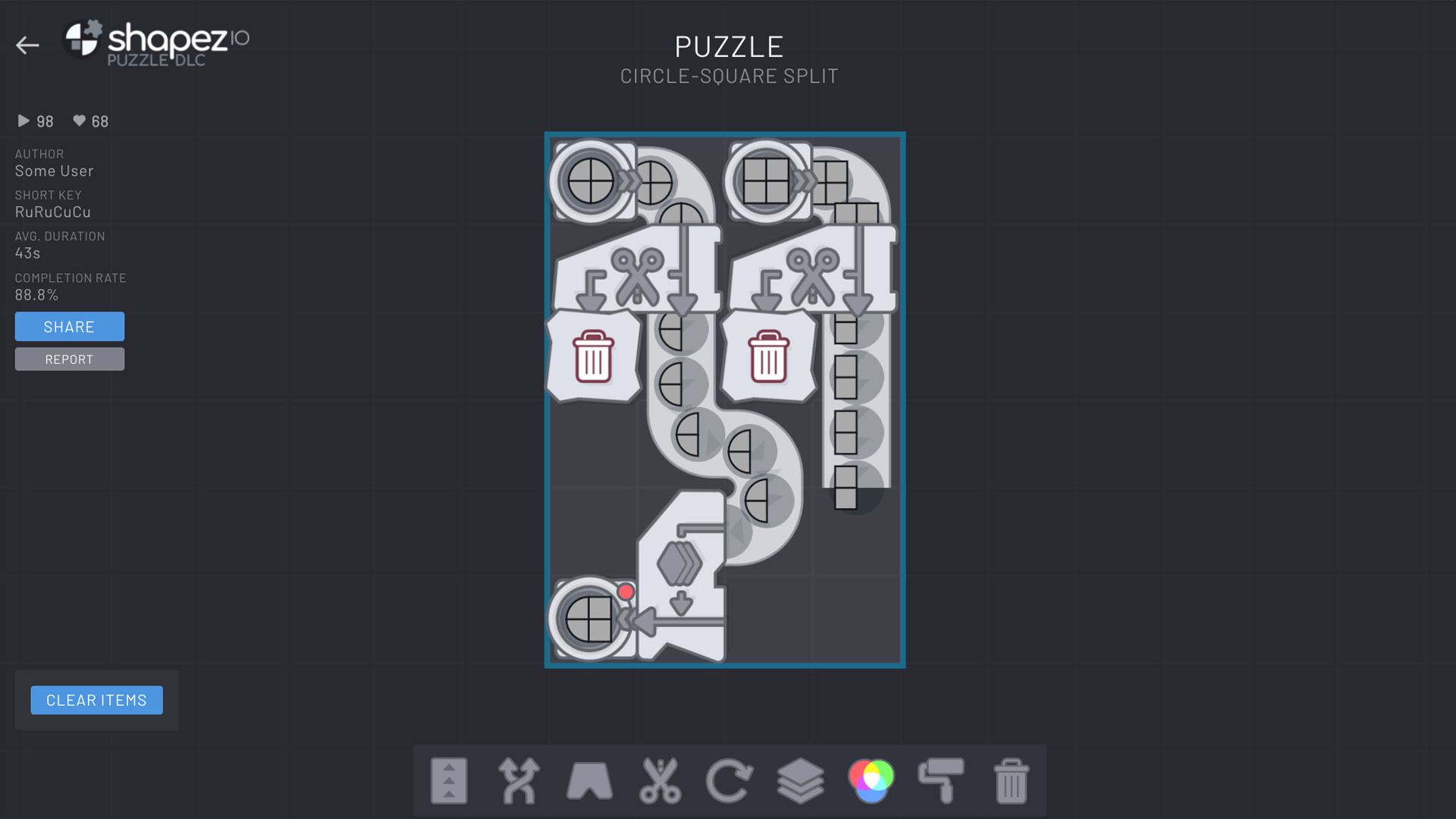
The shapez Puzzles DLC takes puzzling to a whole new level!You enjoyed scaling down and optimizing machines in shapez.io? Now it’s its own game mode!Solve the puzzles by creating the given shapes, but space and buildings are limited – there are no resources and you only get a given amount of shape types and colors to work with! Features Compete with other players to test your solving skills on the most difficult puzzles. Use the Puzzle Editor to create and share your own creations and challenge the ever growing conveyor belt lovers community! Additionally, there is a soundtrack created especially for the DLC by the original author of the soundtrack!

Additional information
Developers

Tobias Springer

Publishers

Tobias Springer

Genres

Casual

,

Indie

,

Simulation

,

Strategy

Platform

Steam

Languages

Chinese

,

Czech

,

Danish

,

Dutch

,

English

,

Finnish

,

French

,

German

,

Hungarian

,

Italian

,

Japanese

,

Korean

,

Norwegian

,

Polish

,

Portuguese

,

Portuguese – Brazil

,

Romanian

,

Russian

,

Spanish

,

Swedish

,

Turkish

,

Ukrainian

Release date 2021-06-22
Steam Yes
Regional limitations 1
System requirements
Windows
Minimum: Requires a 64-bit processor and operating system Network: Broadband Internet connection
Linux
Minimum: Requires a 64-bit processor and operating system Network: Broadband Internet connection
Mac
Minimum
Requires a 64-bit processor and operating system
Activation details
Go to: http://store.steampowered.com/ and download STEAM client Click "Install Steam" (from the upper right corner) Install and start application, login with your Account name and Password (create one if you don't have). Please follow these instructions to activate a new retail purchase on Steam: Launch Steam and log into your Steam account. Click the Games Menu. Choose Activate a Product on Steam... Follow the onscreen instructions to complete the process. After successful code verification go to the "LIBRARY" tab and start downloading.