Starcom: Nexus EU PC Steam Altergift

21.46

5 in stock

5 in stock

Instant deliveryKey emailed in seconds
Official keySourced from authorised partners
Refund guaranteeInvalid code? Money back
How refunds work
11 People watching this product now!

Payment Methods:

Description

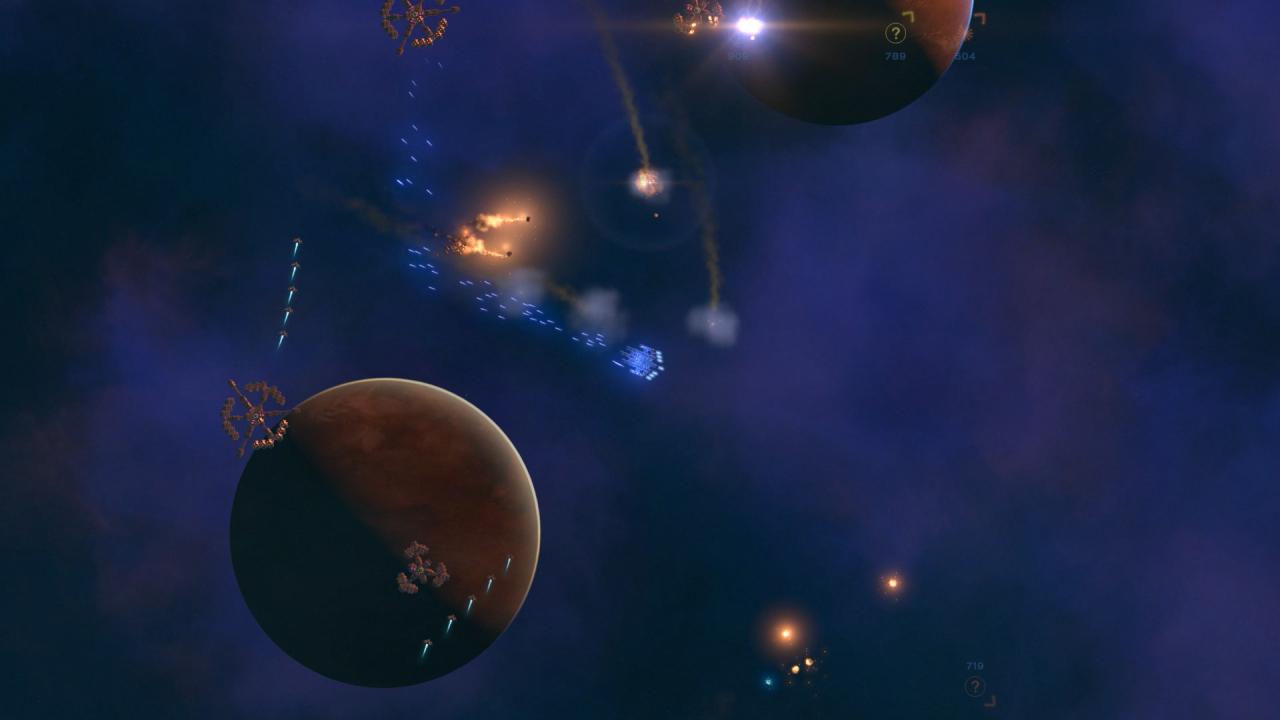
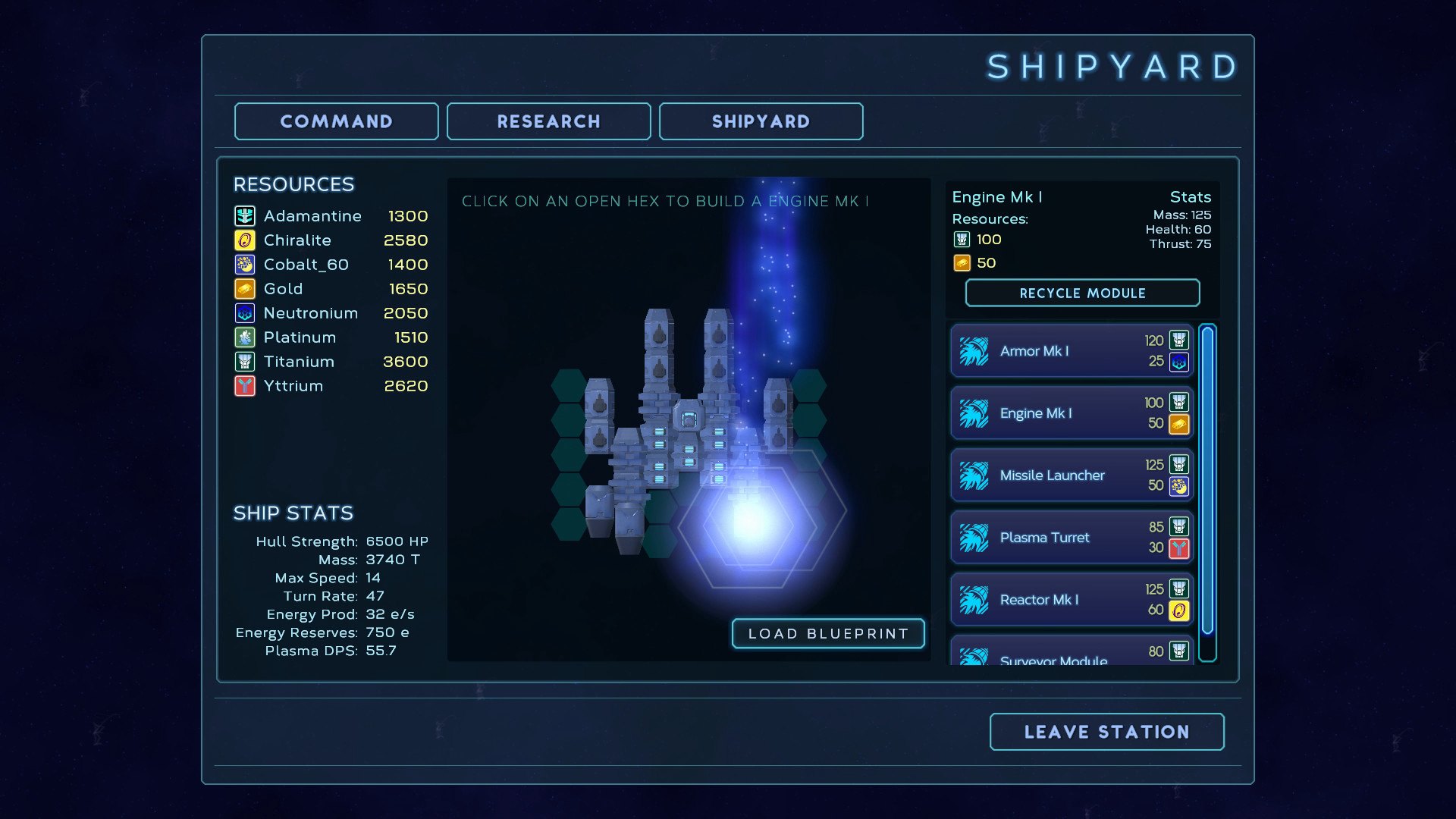
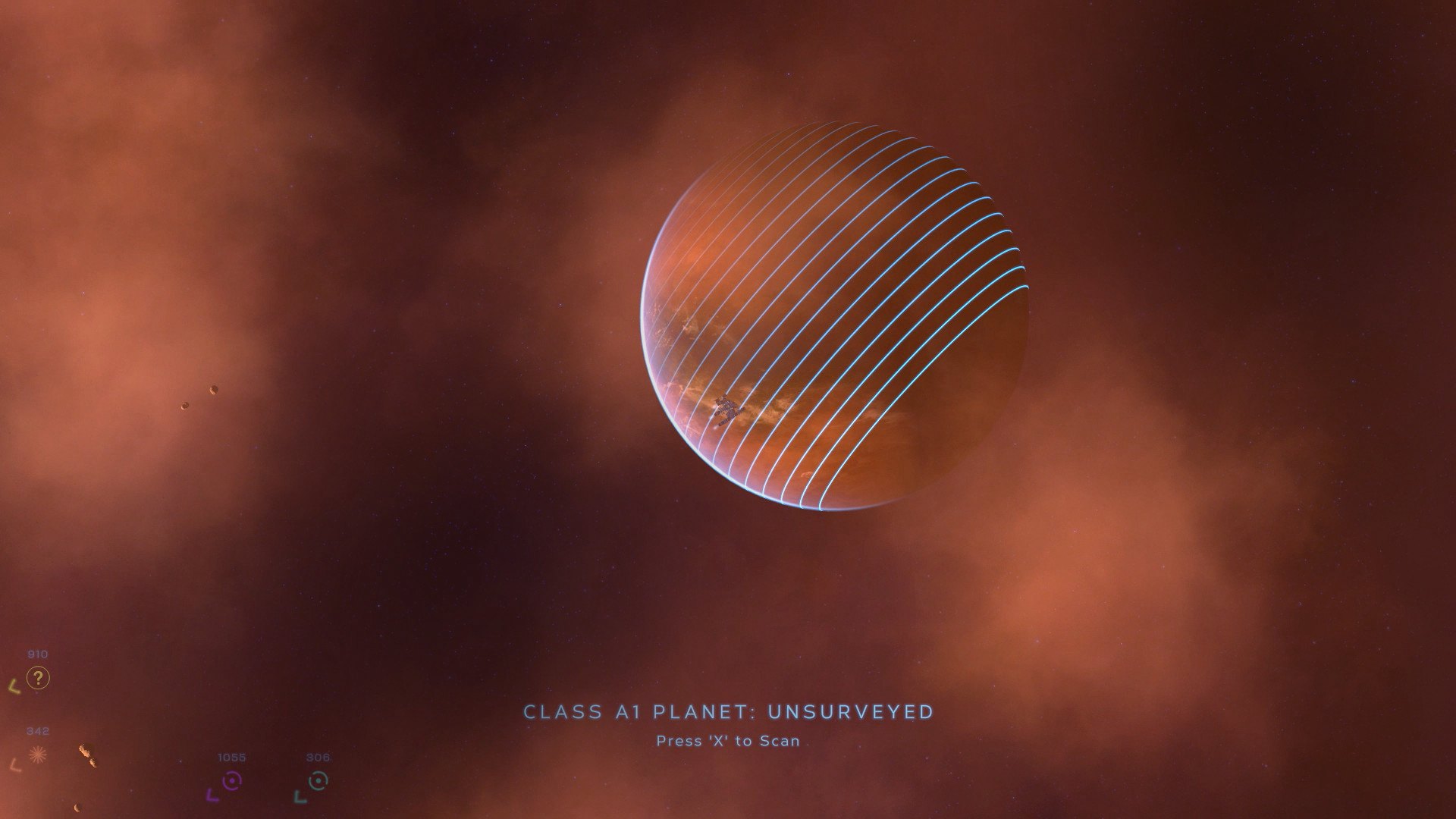
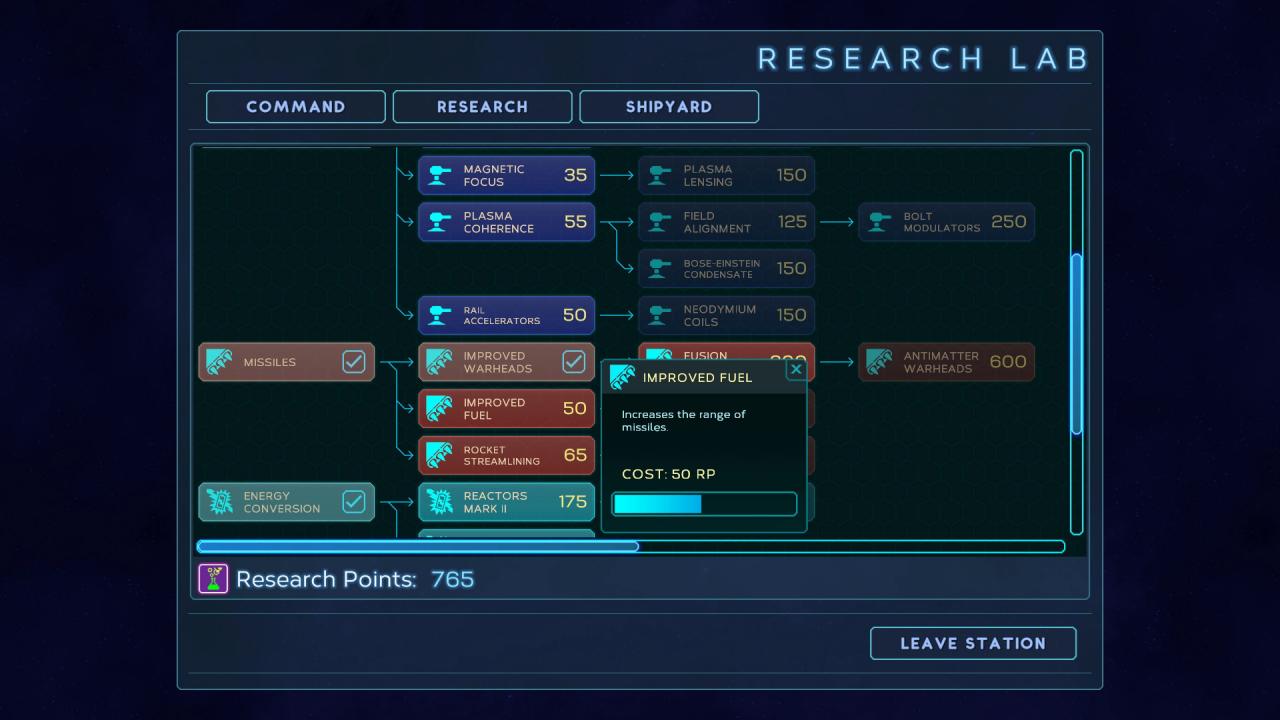
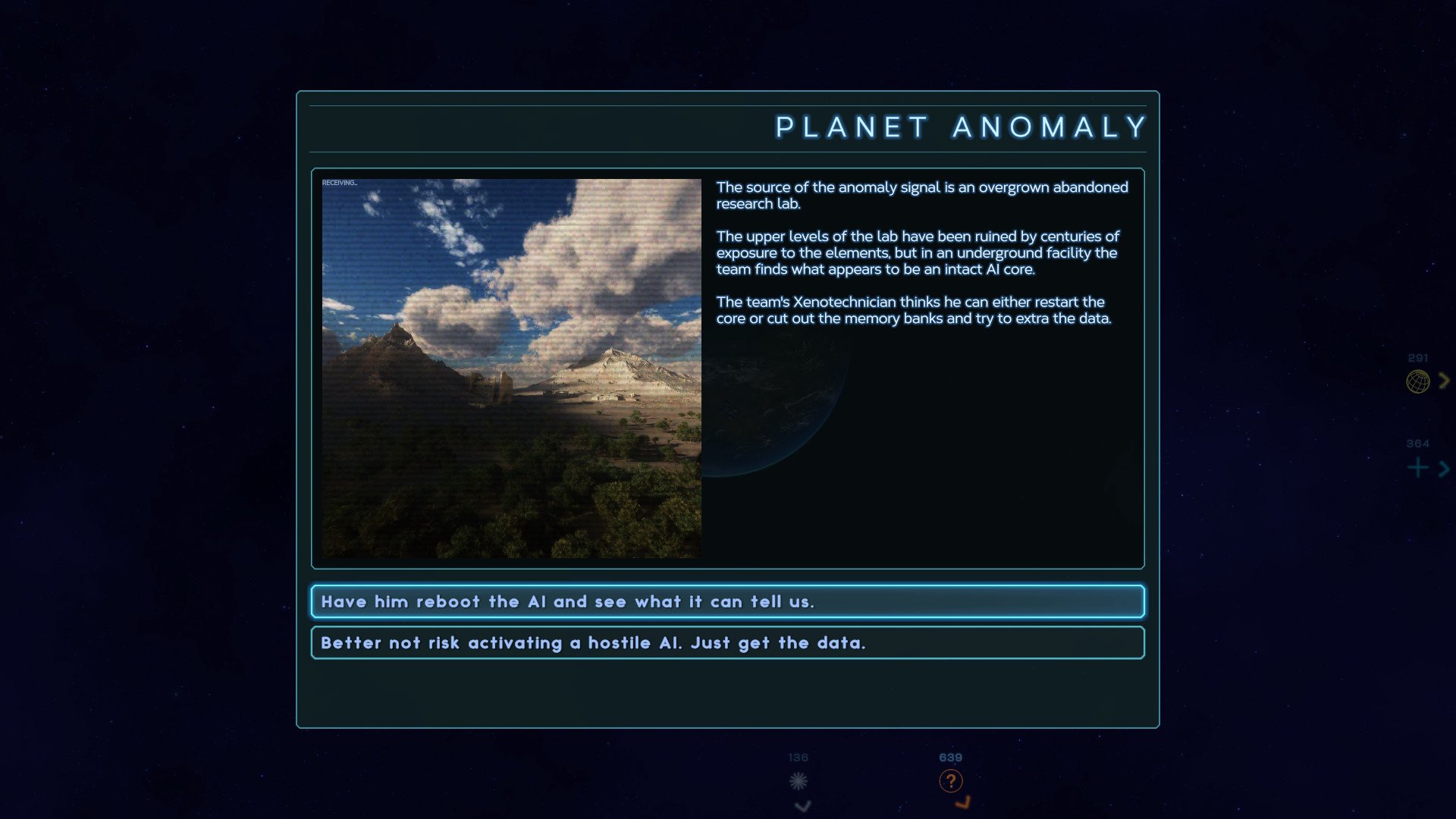
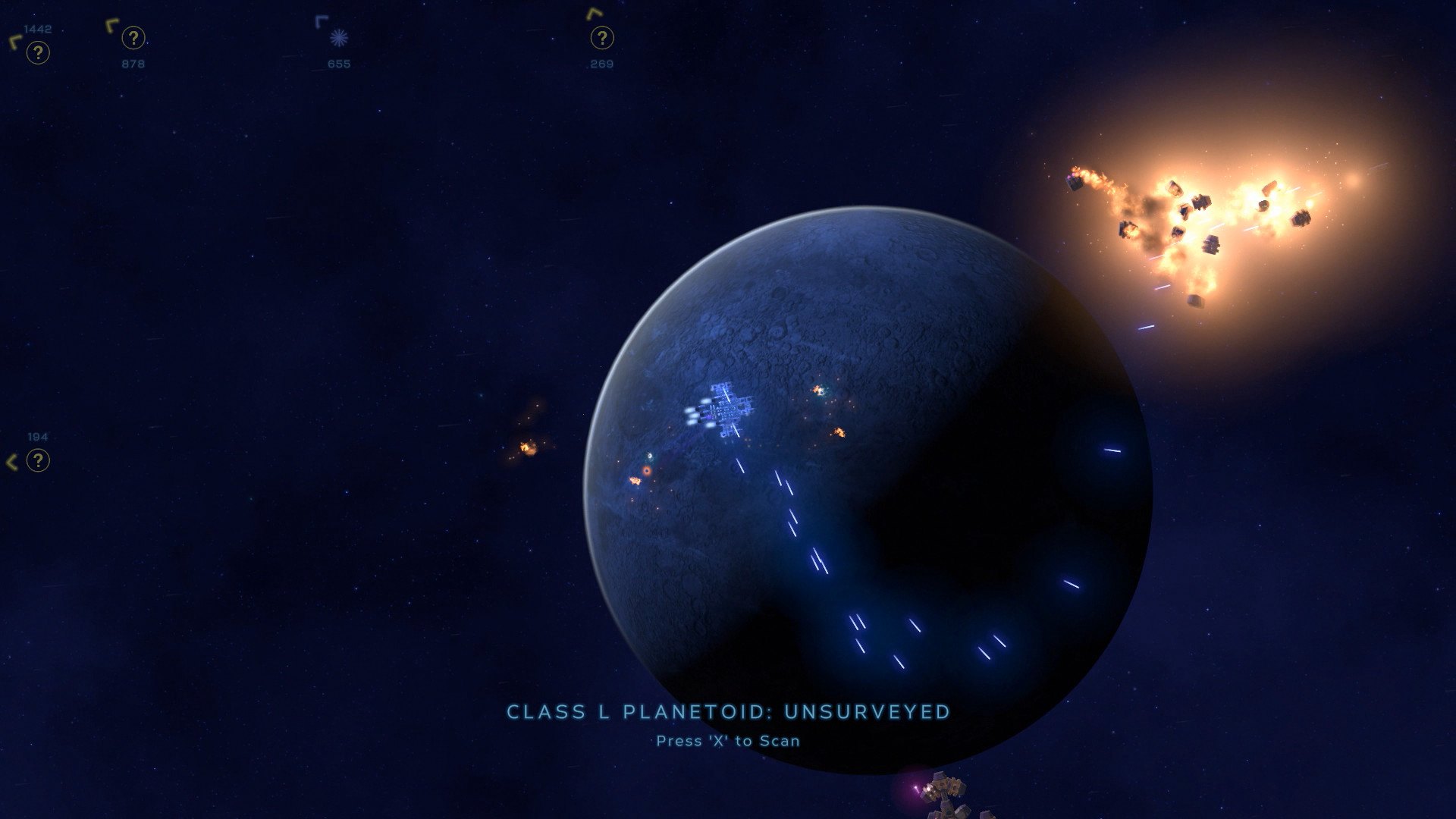
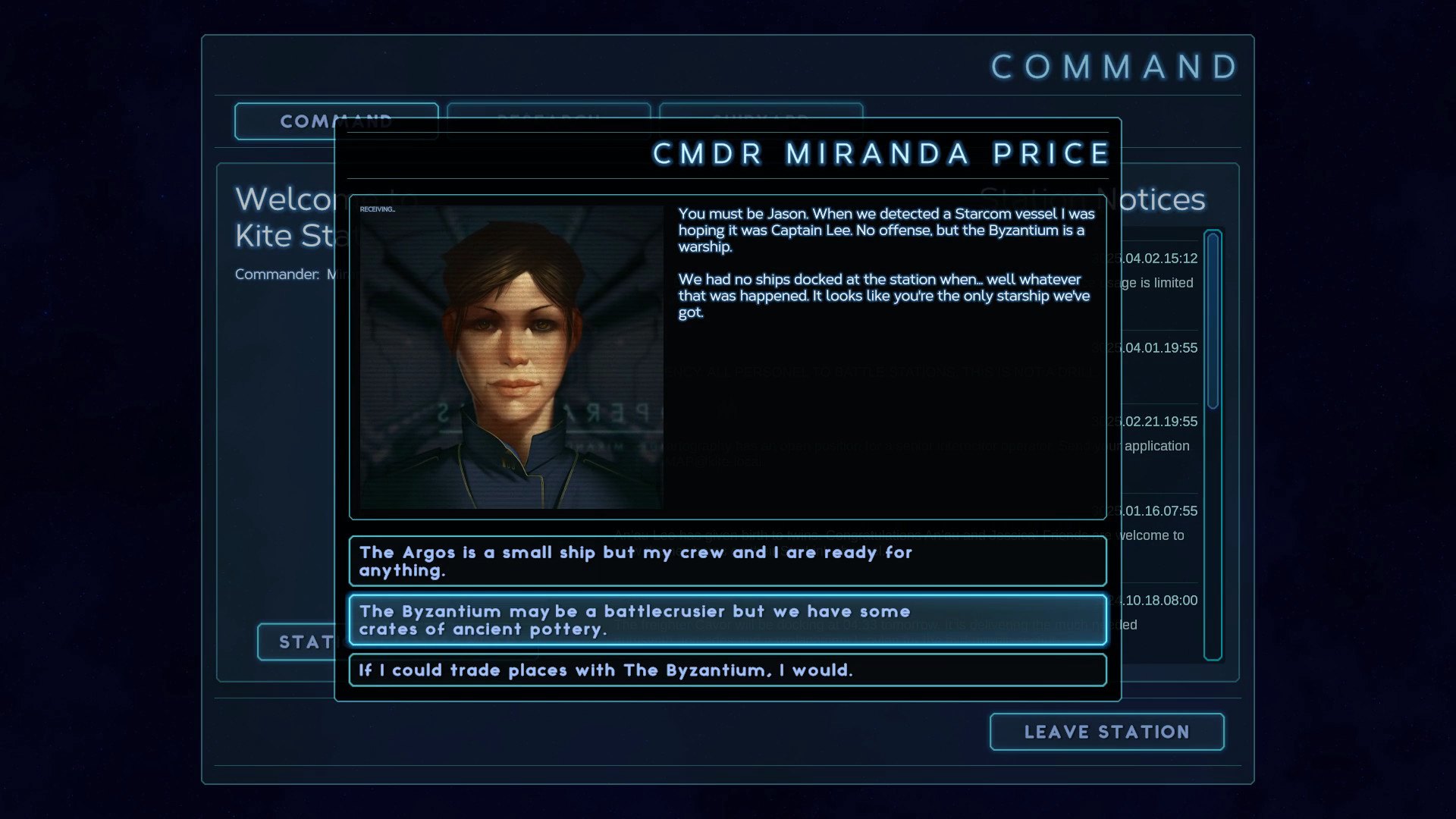
You’ve finally made it out of the academy and have been given your first ship to command. Sure it’s just a light shuttle, but you’ve got to start somewhere, right? Suddenly “somewhere” is stranded in an unknown galaxy surrounded by hostile aliens and no way home. Explore the beautiful and mysterious open-world of Starcom: Nexus. It’s a universe where you’ll battle or befriend strange alien races, discover strange artifacts, research powerful technologies and build your ultimate starship. Features A gorgeous universe full of interactive planets to explore and celestial phenomena to discover 40+ star systems to explore in an open-world universe 100+ technologies to research Design your own ship using a modular construction system Talk, trade and fight with multiple alien races with their own agendas and dynamic AI Lots of hidden secrets and side quests Nebulae, derelict starships, warp gateways, comets, lost colonies, ancient artifacts and much, much more

Additional information
Developers

Wx3 Labs

Publishers

Wx3 Labs

Genres

Action

,

Adventure

,

Indie

,

RPG

Platform

Steam

Languages

English

Release date 2018-12-12
Steam Yes
Regional limitations 75
System requirements
Windows
OS: Windows Vista/7/8/10 Processor: Intel Core i5 2.2 GHz+ Memory: 4 GB RAM Graphics: 2 GB Direct3D 11 Capable video card or better DirectX: Version 10 Storage: 2 GB available space
Activation details
Go to: http://store.steampowered.com/ and download STEAM client Click "Install Steam" (from the upper right corner) Install and start application, login with your Account name and Password (create one if you don't have). Please follow these instructions to activate a new retail purchase on Steam: Launch Steam and log into your Steam account. Click the Games Menu. Choose Activate a Product on Steam... Follow the onscreen instructions to complete the process. After successful code verification go to the "MY GAMES" tab and start downloading.