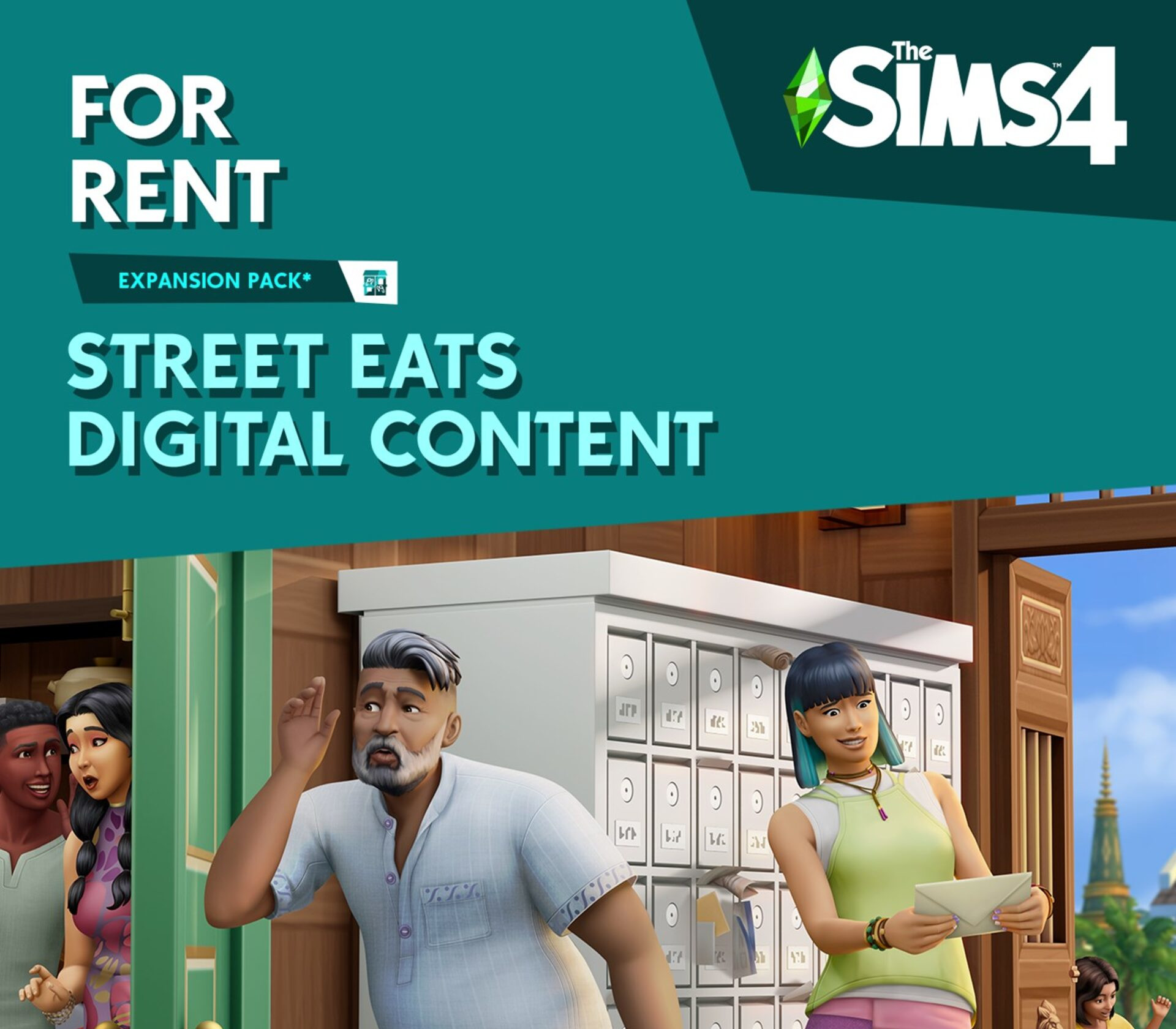
The Sims 4 – For Rent: Street Eats Digital Content DLC EU EA App CD Key

13.15

143 in stock

143 in stock

Instant deliveryKey emailed in seconds
Official keySourced from authorised partners
Refund guaranteeInvalid code? Money back
How refunds work
18 People watching this product now!

Payment Methods:

Description

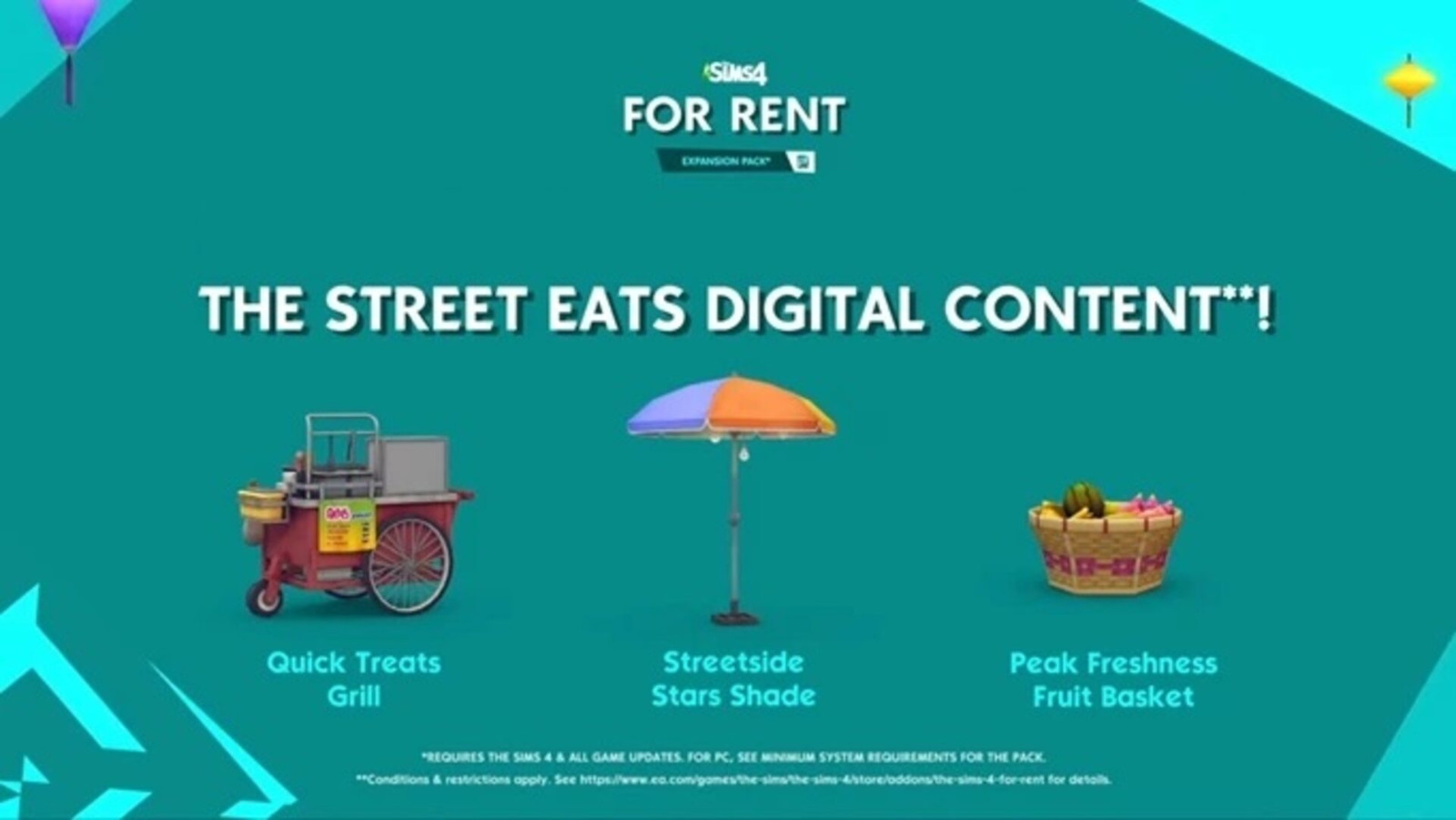
Includes: Peak Freshness Fruit Basket Streetside Stars Shade Quick Treats Grill Street Eats Digital Content, which allows you to bring the night market flavor home with a grill cart, street umbrella and fruit basket.

Additional information
Developers

Maxis

Publishers

Electronic Arts

Genres

Casual

,

Simulation

Platform

EA App

Languages

Chinese

,

Czech

,

Danish

,

Dutch

,

English

,

Finnish

,

French

,

German

,

Italian

,

Japanese

,

Korean

,

Norwegian

,

Polish

,

Portuguese – Brazil

,

Russian

,

Spanish

,

Swedish

Release date 2023-12-07
Age rating PEGI 12
Regional limitations 1
System requirements
Windows
Requires a 64-bit processor and operating system OS: 64 Bit Required. Windows 10 Processor: 3.3 GHz Intel Core i3-3220 (2 cores, 4 threads), AMD Ryzen 3 1200 3.1 GHz (4 cores) or better Memory: 4 GB RAM Graphics: 128 MB of Video RAM and support for Pixel Shader 3.0. Supported Video Cards: NVIDIA GeForce 6600 or better, ATI Radeon X1300 or better, Intel GMA X4500 or better DirectX: Version 11 Network: Broadband Internet connection Storage: 26 GB available space
Mac
OS: Metal required. Mac OS® X 10.13 (High Sierra) CPU: Intel Core i3-3225 3.5 GHz (2 cores, 4 threads) or better RAM: At least 4 GB RAM HARD DRIVE: At least 25 GB of free space with at least 1 GB additional space for custom content and saved games VIDEO: Support for Metal. Intel HD 4000 (Integrated Graphics) or better INPUT: Keyboard and Mouse ONLINE REQUIREMENTS: Internet connection required for product activation.
Activation details
Download the EA App client from here. Click "Download EA app" (from the upper right corner) Install and start application, login with your Account name and Password. Click on My Collection and click on Redeem Code. Simply enter your game key in the activation field and click Next. Make sure that there are no spaces left before or after your code. After successful code verification go to the "MY GAMES" tab and start downloading.